DigiD for Expats (2026): Verified Setup, Activation, and Tax Access
Official-source DigiD guide for expats: BSN/BRP prerequisites, activation letter timing, 21-day code validity, and practical use in Mijn Belastingdienst.
Why DigiD Matters
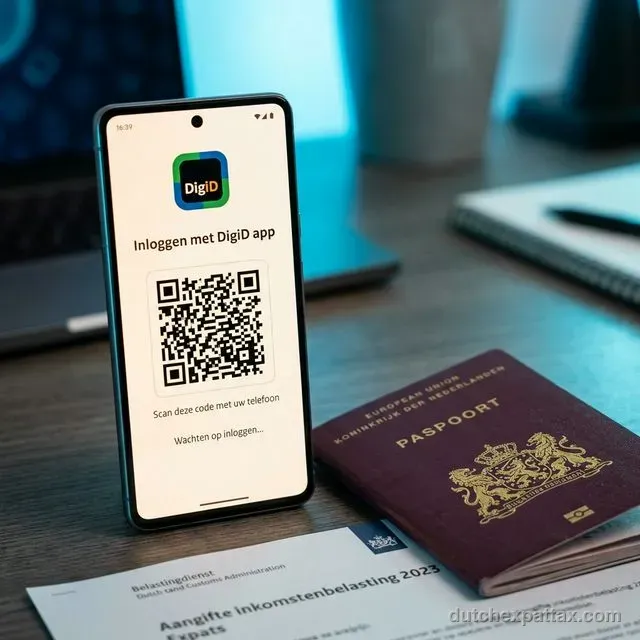
DigiD is your personal digital identity for Dutch public services. For expats, it is usually the gateway to Mijn Belastingdienst, Mijn toeslagen, and many municipality-related online actions.
If you postpone DigiD setup, most later compliance tasks become slower: tax filing, allowance checks, and corrections to your personal records.
Requirements Before You Apply
DigiD's official application page lists three core prerequisites:
| Requirement | What it means in practice | Where to verify |
|---|---|---|
| BSN | You need a citizen service number before starting DigiD application. | DigiD application page |
| Registered Dutch address | The activation letter is posted to the address where you are registered with the municipality (BRP). | DigiD application and activation pages |
| Mobile phone | Needed for secure login methods and verification flows. | DigiD application page |
If you are newly arrived, complete municipality registration first so your BRP address and BSN are in place.
Apply Flow (Verified)
- Open the official DigiD application route and start with your BSN details.
- Create your account credentials carefully; you need them again for activation.
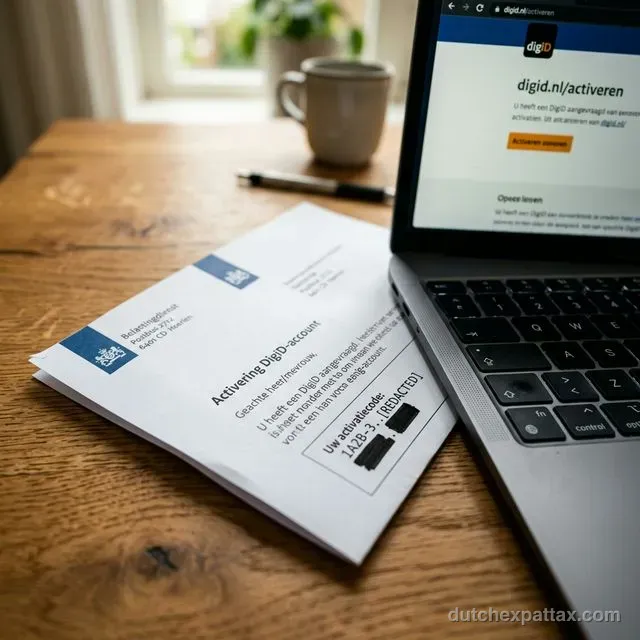
- Wait for the activation letter sent by post to your BRP-registered address.
DigiD indicates short postal timing (often around 3 business days, up to around 5 working days depending on mail delivery).
Activation Timeline and Rules
Activation requires the code from the letter plus your credentials. You can activate via website flow or via DigiD app flow.
- The activation code in the letter starts with "A" (official DigiD guidance).
- DigiD states the activation code is valid for 21 days.
- If the code expires, you must request a new code (or re-apply if needed).
Using DigiD for Tax and Toeslagen
Belastingdienst confirms you can log in to Mijn Belastingdienst with DigiD. Their guidance lists three login approaches:
- DigiD app
- Username/password + SMS control
- ID card flow (with compatible card and setup)
Once logged in, you can handle core actions such as annual income tax returns, migration-year filing workflows, and account updates.
For allowance administration, use Dienst Toeslagen eligibility pages and your personal portal.
Common Failure Cases and Recovery
No activation letter
Wait for the stated delivery window, then confirm your BRP address and request a new code through DigiD if needed.
Code rejected
DigiD warns that letters/SMS/email codes are different types; use the latest activation code exactly as printed.
Account-sharing risk
If someone else needs access to help you, set up authorization instead of sharing credentials.
Official Sources
- DigiD: Apply for a DigiD (BSN/address/mobile prerequisites, letter timing)
- DigiD: Activate DigiD (activation process, 21-day validity, recovery)
- Belastingdienst: Login help for Mijn Belastingdienst (DigiD login methods)
- Belastingdienst: DigiD aanvragen / DigiD Machtigen
- Government.nl: BRP background and registration context
FAQ
Can I finish DigiD on the same day I apply?
Usually not, because activation depends on receiving a physical letter first.
Is DigiD only for taxes?
No. It is also used across healthcare, municipality, education, and pension-related services.
I moved after applying. What should I check first?
Check your BRP registration address, because DigiD letters are posted to the address on municipal record.
What should I do after DigiD is active?
Log in to your tax portal once, verify identity/address/bank details, and then proceed with your filing or allowance workflow.